

Part 1
Create the Project and instructions
5 minPart 2
Add one knowledge file
4 minPart 3
Run a chat and ship an Artifact
6 minThe job
Every Monday you send a short leasing update to your asset manager. Today you will build the Project that makes that note stop starting from zero. If leasing is not your world, keep the same shape and rename it: weekly vendor issues, weekly hiring pipeline, weekly store ops. One recurring note. One audience.Part 1: Create the Project
- In Claude, create a new Project.
- Name it after the work:
Weekly leasing update. - Keep it private.
- Open Set custom instructions and paste this:
Project instructions — paste into custom instructions
Part 2: Add one knowledge file
Create a plain text file on your computer namedcedar-ridge-facts.txt, paste this in, save it, then upload it to Project knowledge:
Knowledge file contents — save as cedar-ridge-facts.txt
- Instructions = how Claude should act
- Knowledge = facts Claude should look up
Part 3: Run one chat and ship an Artifact
Inside the Project, start a new chat and send:First Project chat — ask for an Artifact
Expected result
You want all three:- Claude uses the Project structure without you re-explaining it.
- An Artifact opens in the side panel as a real document, not only chat text.
- Missing facts are flagged instead of invented.
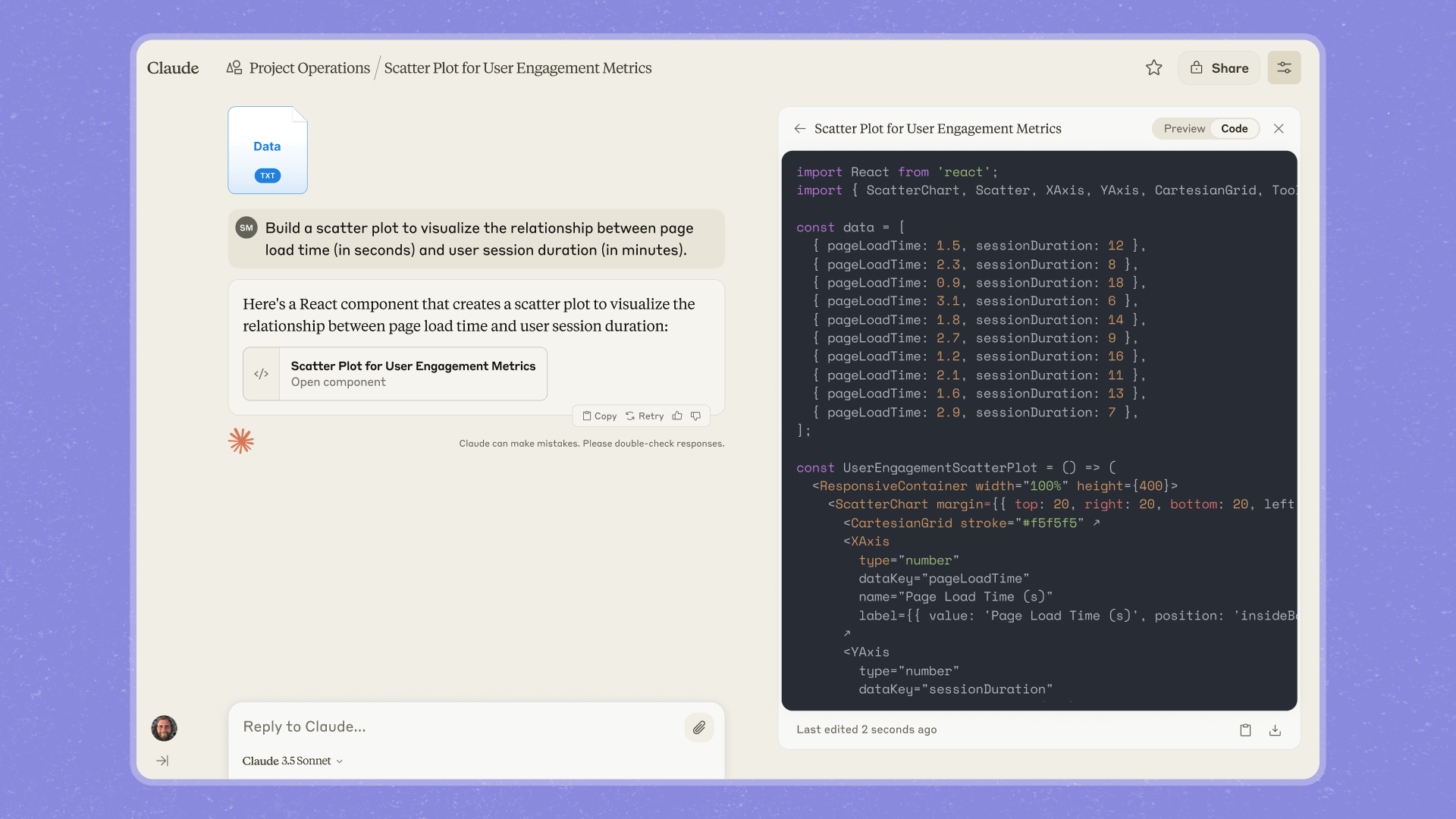
You are aiming for this shape: chat on the left, deliverable Artifact on the right.
Prove it compounds
Open a second new chat inside the same Project. Send only:Second chat — prove the Project carried context
Flight card
Debrief
- What did the Project save you from retyping?
- What would you add to knowledge next week: one file only?
- Name the real recurring note you will turn into a Project after class.